

Hunt Page
One link that introduces you. Private until you choose to publish it.
A public professional page with your name, one resume and the links you pick. Send it to a recruiter or add it to your email signature. Take it down any time.
- Private by default
- You choose what it shows
- Unpublish any time
jobhunt.app/morgan.ellisPreview

Morgan Ellis
Commercial Account Executive
- GitHub
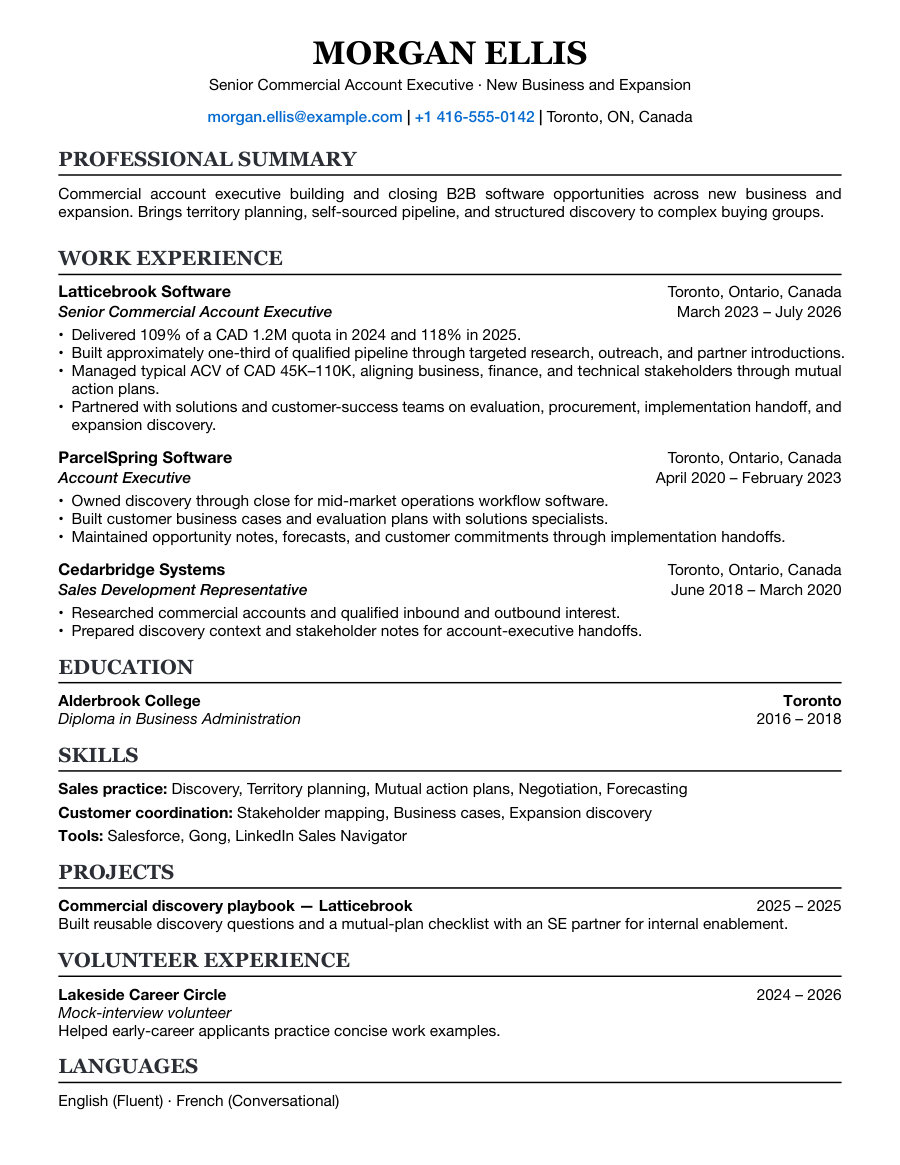
ResumeCommercial AE — New Business
- Visibility
- Private
- Publish
- When you choose
- Pipeline
- Never shown
You decide when
Private first. Public when you say.
Building or previewing a page publishes nothing.
Private
Build and preview
Choose the resume, links and look. Editing a private page never publishes it.
Public
Publish when ready
Pick an address and make it public yourself. A connected agent asks before it publishes.
Private again
Unpublish any time
Make the page private to stop public access. Your work stays in your account.
What it shows
Only what you put on it.
Your pipeline and private notes are never part of the page.
Your name and profile
Name, photo and professional links, from the resume you select.
One resume
You choose which. Cover letters and other documents stay in Hunt Docs.
Up to three links
Places where people can see more of your work.
Your own look
An optional headshot and a colour palette, previewed on desktop, tablet and phone.
Only the page and documents you choose to display are shared. Your pipeline stays private.
Questions
Before you publish anything.
Is my Hunt Page public by default?
No. It stays private until you publish it. You can make it private again any time.
Does it show my applications?
No. Your pipeline and private notes stay separate from the page.
Will search engines list it?
They can once you publish it, unless you turn that off. With it off, the page stays public by link. Search engines may take time to reflect a change.
Can my agent edit it?
Yes. A connected agent can show your settings and make the changes you describe. On a public page, saved changes appear immediately.
Can I change the address later?
Yes. Check the new public link, and any old one, before you keep sharing it.
7-day free trial
Start it in private.
Create an account, add a resume and preview your page. Publish when it is ready.